Black Joomla
Free Joomla Template Joomla Extensions
Blog
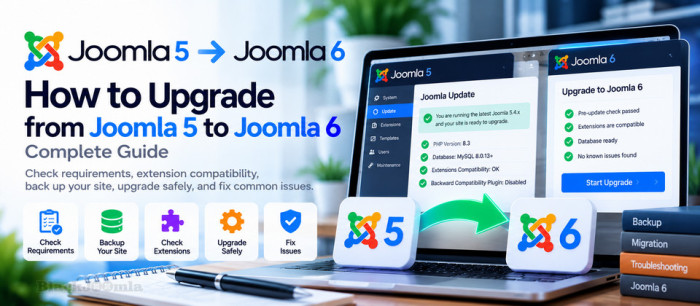
How to Upgrade from Joomla 5 to Joomla 6: Complete Guide
Upgrading from Joomla 5 to Joomla 6 gives website owners access to the latest Joomla features, improvements, and ongoing platform development. However, a successful upgrade requires more than clicking the Update button. Your hosting environment, templates, third-party extensions, and custom code must be compatible with Joomla 6.
The good news is that upgrading from Joomla 5.4.x to Joomla 6.x is designed as an upgrade rather than a complete migration. With proper preparation, a tested backup, and an extension compatibility review, you can reduce downtime and avoid many common upgrade problems.

How to Clean a Hacked Joomla 6 Website: Malware Removal and Recovery
If your Joomla 6 website suddenly displays a defaced homepage, redirects visitors to suspicious websites, contains hundreds of unfamiliar files, or shows unexpected database changes, your website may have been compromised.
Cleaning a hacked Joomla website requires more than deleting suspicious files or restoring the homepage. You must identify the initial entry point, remove malicious code, check the database and administrator accounts, eliminate persistence mechanisms, and close the security gaps that allowed the attack.
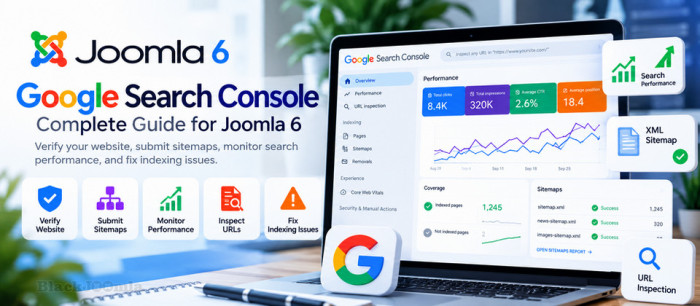
How to Set Up Google Search Console for Joomla 6: Complete Guide
Google Search Console is one of the most useful free tools for monitoring the organic search performance of a Joomla 6 website. It helps website owners understand how their pages appear in Google Search, which queries generate impressions and clicks, and whether Google has encountered indexing problems.
Whether you run a business website, blog, online store, or Joomla extension directory, Google Search Console provides valuable data for improving your SEO strategy and identifying technical problems.

How to Secure a Joomla 6 Website: Complete Security Hardening Guide
Joomla 6 websites are constantly exposed to automated attacks, vulnerable extensions, stolen credentials, malicious uploads, and server-level threats.
A compromised Joomla website may show a defaced homepage, contain hundreds of unfamiliar files, have modified database content, create unauthorized administrator accounts, or redirect visitors to malicious websites.
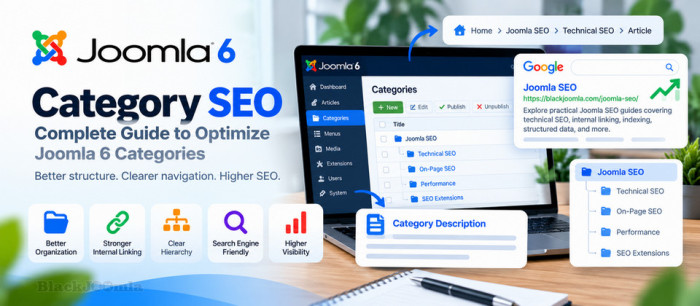
How to Optimize Joomla 6 Categories for SEO: Complete Guide
Joomla 6 categories are an important part of your website structure and can play a significant role in organizing content and improving SEO.
When properly configured, category pages can help users discover related content while creating a clearer hierarchy for search engines.
Tagged under
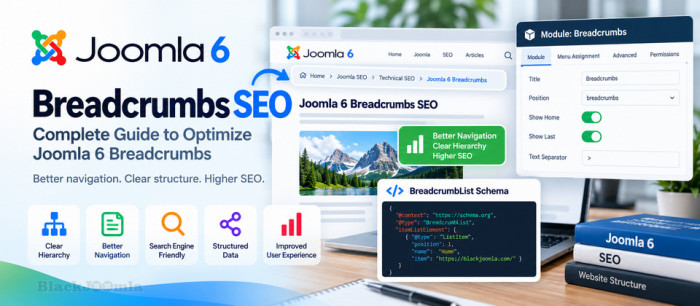
How to Optimize Joomla Breadcrumbs for SEO: Complete Guide
Breadcrumbs are a useful navigation element for Joomla websites because they show visitors where they are within the structure of a website.
When implemented correctly, breadcrumbs can improve navigation, clarify the relationship between pages, and provide additional context about your website structure.
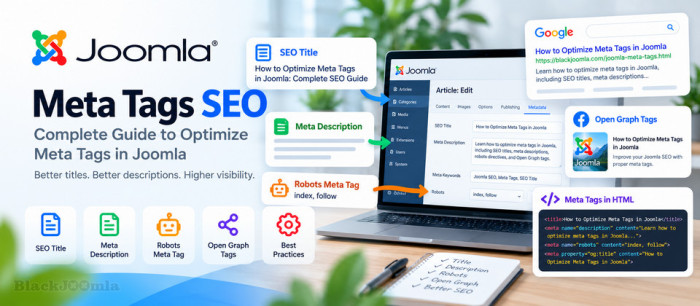
How to Optimize Meta Tags in Joomla: Complete SEO Guide
Meta tags are an important part of Joomla SEO because they provide search engines and social platforms with information about your web pages.
Properly optimized titles, meta descriptions, robots directives, and social metadata can improve how your Joomla pages are understood and displayed.
Tagged under
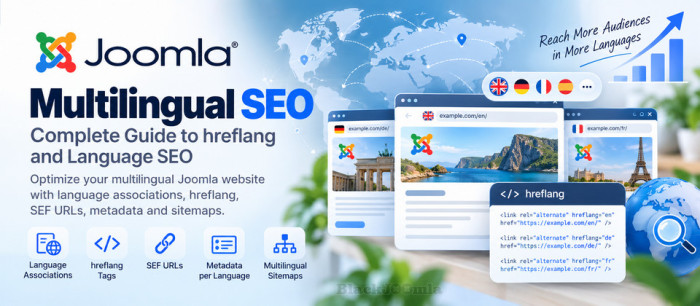
A multilingual Joomla website can reach users in multiple languages and markets, but simply translating your content is not enough to build a strong international SEO strategy. Search engines need clear signals about the language and regional version of each page.
Joomla provides built-in multilingual features such as language associations, language filters, and language switchers. When these features are combined with a clean URL structure, correct metadata, canonical URLs, XML sitemaps, and properly implemented hreflang signals, you can create a more search-engine-friendly multilingual website.
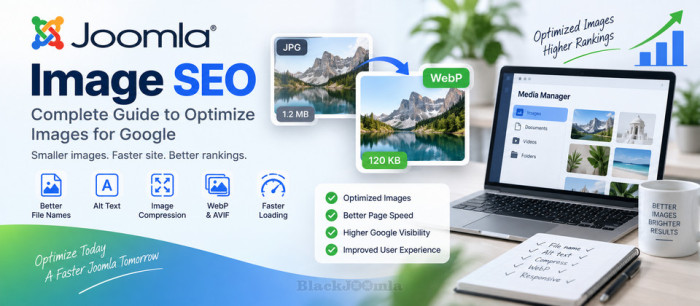
Images are an essential part of modern Joomla websites, but poorly optimized images can increase page size, slow down loading times, and make it harder for search engines to understand your visual content. Proper image optimization can improve usability, accessibility, performance, and the overall SEO quality of a Joomla website.
Joomla provides several ways to manage images, while extensions, templates, K2, and modern image formats such as WebP and AVIF can provide additional optimization options. In this guide, you will learn how to optimize Joomla images for search engines without sacrificing visual quality.
Internal linking is one of the most important parts of Joomla SEO. By connecting related pages with relevant internal links, you can create a clearer website structure, help visitors discover more content, and make it easier for search engines to understand the relationship between your pages.
Whether you are using Joomla Articles, Categories, or K2 content, a well-planned internal linking strategy can improve navigation, strengthen important pages, and support better crawling and indexing of your website.
More...

Getting a Joomla page crawled by Google does not automatically mean that the page will be indexed. Indexing depends on several technical and content signals, including crawlability, robots.txt rules, noindex directives, canonical URLs, HTTP status codes, internal links, sitemaps, and the overall quality of the page.
In this guide, you will learn how to get Joomla pages indexed by Google, how to diagnose indexing problems in Google Search Console, check robots.txt and noindex settings, submit an XML sitemap, improve internal linking, and fix common Joomla technical issues that can prevent pages from appearing in Google Search.

Keeping a Joomla website secure requires more than installing a security extension. A secure Joomla website combines regular updates, strong authentication, reliable backups, secure hosting, careful extension management, HTTPS, and ongoing monitoring.
In this guide, you will learn how to secure a Joomla website, protect the administrator area, manage extensions safely, configure authentication, create reliable backups, improve server security, and respond correctly if your website is compromised.

The robots.txt file is one of the simplest but most important technical SEO files on a Joomla website. It tells search engine crawlers which parts of your website they are allowed or not allowed to crawl.
In this guide, you will learn how to configure robots.txt in Joomla, understand User-agent, Allow and Disallow rules, add your XML sitemap, avoid common SEO mistakes, and understand the difference between blocking crawling and preventing indexing.
Tagged under

Schema markup is one of the most useful technical SEO techniques for helping search engines understand what a Joomla page is about. By adding structured data to your Joomla website, you can provide search engines with clearer information about articles, products, organizations, breadcrumbs, events, and other types of content.