Black Joomla
Free Joomla Template Joomla Extensions
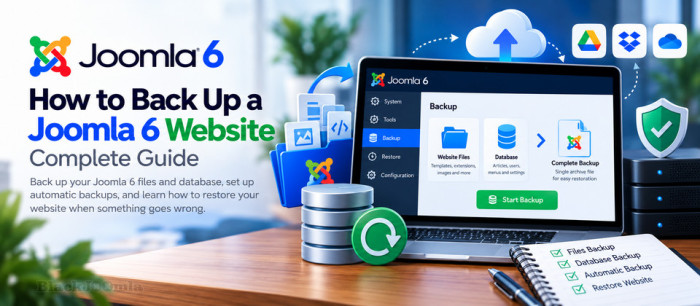
Creating regular backups is one of the most important maintenance tasks for any Joomla 6 website. A reliable backup allows you to recover your website after a failed update, accidental file deletion, database corruption, server failure, or other unexpected problems.
In this guide, you will learn how to back up a Joomla 6 website manually and automatically, protect your backup files, and restore your website when something goes wrong. We will cover both website files and the database, explain the available backup methods, and introduce Akeeba Backup as a dedicated Joomla backup solution.
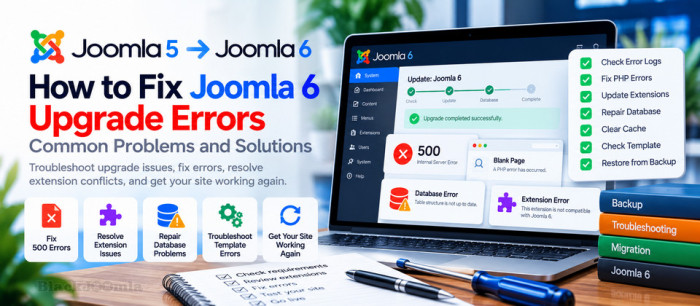
Upgrading to Joomla 6 can introduce unexpected problems if your hosting environment, template, or third-party extensions are not fully compatible. Common symptoms include a blank page, HTTP 500 errors, an inaccessible administrator dashboard, database warnings, or a website that works only partially after the update.
This guide explains how to troubleshoot Joomla 6 upgrade errors systematically, identify the underlying cause, and recover your website safely. Before changing files or database records, make sure you have a recent backup and know how to restore it.
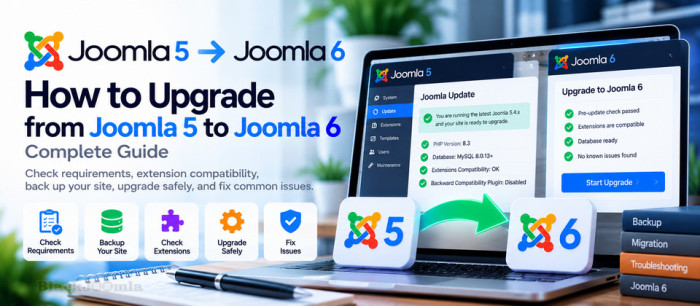
How to Upgrade from Joomla 5 to Joomla 6: Complete Guide
Upgrading from Joomla 5 to Joomla 6 gives website owners access to the latest Joomla features, improvements, and ongoing platform development. However, a successful upgrade requires more than clicking the Update button. Your hosting environment, templates, third-party extensions, and custom code must be compatible with Joomla 6.
The good news is that upgrading from Joomla 5.4.x to Joomla 6.x is designed as an upgrade rather than a complete migration. With proper preparation, a tested backup, and an extension compatibility review, you can reduce downtime and avoid many common upgrade problems.
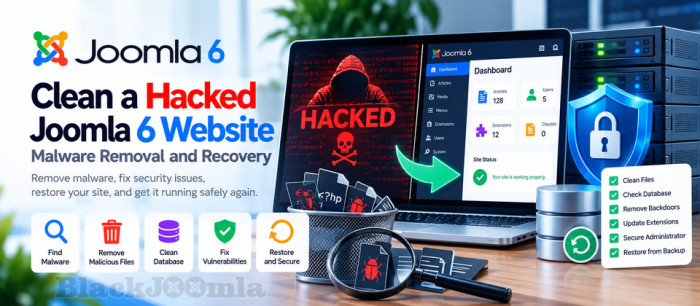
How to Clean a Hacked Joomla 6 Website: Malware Removal and Recovery
If your Joomla 6 website suddenly displays a defaced homepage, redirects visitors to suspicious websites, contains hundreds of unfamiliar files, or shows unexpected database changes, your website may have been compromised.
Cleaning a hacked Joomla website requires more than deleting suspicious files or restoring the homepage. You must identify the initial entry point, remove malicious code, check the database and administrator accounts, eliminate persistence mechanisms, and close the security gaps that allowed the attack.
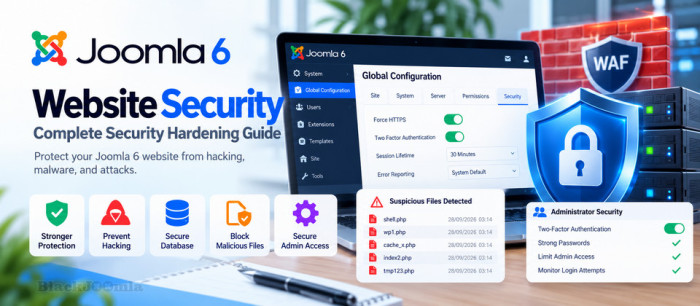
How to Secure a Joomla 6 Website: Complete Security Hardening Guide
Joomla 6 websites are constantly exposed to automated attacks, vulnerable extensions, stolen credentials, malicious uploads, and server-level threats.
A compromised Joomla website may show a defaced homepage, contain hundreds of unfamiliar files, have modified database content, create unauthorized administrator accounts, or redirect visitors to malicious websites.

It will show you everything you need to prepare and check before upgrading as well as clear steps to migrate Joomla 3 to Joomla4. So, let’s get started now!

Backup, restore and transfer any PHP site or application in seconds. Based on the rock-solid Akeeba Backup technology.
The easiest way to backup and transfer your PHP applications.

Akeeba Backup Core is the most widely used open-source backup component for the Joomla! CMS. Its mission is simple: create a site backup that can be restored on any Joomla!-capable server, making it ideal not only for backups but also for site transfers or even deploying sites to your clients' servers. Akeeba Backup creates a full backup of your site in a single archive. The archive contains all the files, a database snapshot and an installer similar in function to the standard Joomla! installer. The backup and restore process is AJAX powered to avoid server timeouts, even with huge sites. Alternatively, you can make a backup of only your database, or only your files. Akeeba Backup is the reliable, easy to use, open source backup solution for your Joomla! site.