Black Joomla
Free Joomla Template Joomla Extensions
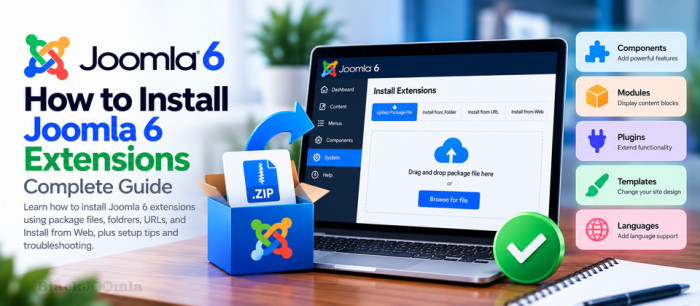
Joomla extensions allow you to add new features and functionality to your website without modifying the Joomla core. Whether you want to install an SEO tool, a security extension, a contact form, a payment gateway, or a new template, understanding the installation process is essential for managing a Joomla 6 website.
Joomla 6 provides several ways to install extensions, including uploading a package file, installing from a server folder, using a direct download URL, and browsing the Joomla Extensions Directory. In this guide, you will learn how to use each method, enable and configure installed extensions, and troubleshoot common installation problems.

Recently, Joom Shaper provides you with only one file (oneclick installer) to download instead of several different template files
How to Install JoomShaper Demo Content by oneclick installer?

SP Staging is a tool with the ability to manage remotely all Joomla! extensions from a central coordinator site on all your Joomla! sites. Imagine using the core Joomla! Extensions Manager with all its functionality (install, find updates, update, upgrade Joomla! etc), but instead you can control all your sites from one place