Black Joomla
Free Joomla Template Joomla Extensions
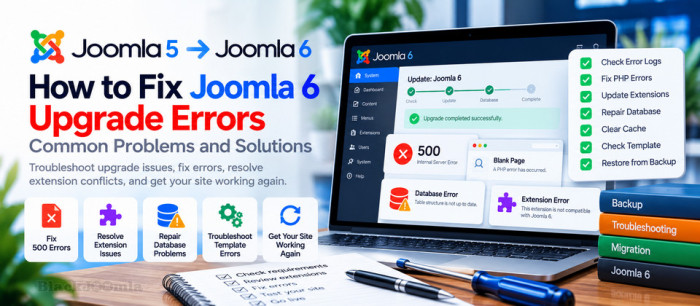
Upgrading to Joomla 6 can introduce unexpected problems if your hosting environment, template, or third-party extensions are not fully compatible. Common symptoms include a blank page, HTTP 500 errors, an inaccessible administrator dashboard, database warnings, or a website that works only partially after the update.
This guide explains how to troubleshoot Joomla 6 upgrade errors systematically, identify the underlying cause, and recover your website safely. Before changing files or database records, make sure you have a recent backup and know how to restore it.
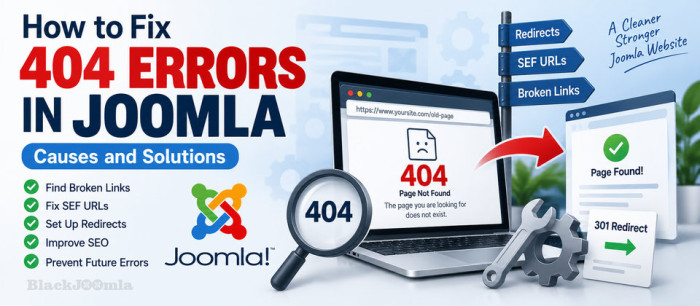
A 404 error is one of the most common problems you can encounter on a Joomla website. It usually means that a visitor or search engine requested a URL that Joomla could not find.
A few 404 errors are normal on any website. However, a large number of broken URLs can create a poor user experience, waste crawl resources, and make website maintenance more difficult.
In this guide, we will explain what causes 404 errors in Joomla, how to find broken URLs, how to fix them correctly, and how to prevent the same problem from happening again.

A 500 Internal Server Error is a server-side error that means your Joomla website could not complete the requested operation.
Unlike errors such as 404 Not Found, a 500 error usually does not tell you exactly what went wrong. The underlying cause may be a PHP error, an incompatible extension, incorrect file permissions, a problem with .htaccess , insufficient server resources, or a server configuration issue.