Log in

Register


Extensions

Displays Virtuemart shop products anywhere you like easily in an professional way that would make customers interested & increase sales. The module has add to card with popup product options.
JUX Mega Menu for K2 (K2 Mega Menu) by JoomlaUX team is a powerful & responsive Joomla menu module which helps you to flexibly & easily bring K2 categories & subcategories to display in menu.
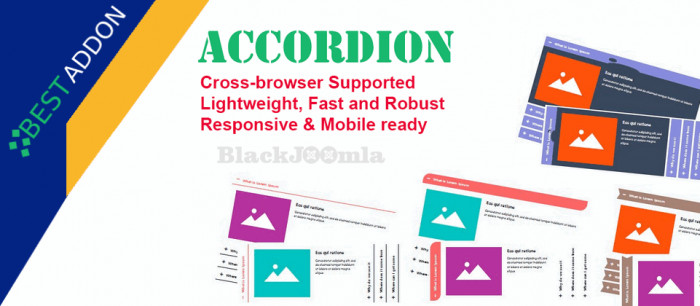
Create FAQs, Accordion, Slider (Horizontal and Vertical) effortlessly. The best responsive and drag & drop Accordion FAQ builder. You can add multiple accordion and collapse with this.
Social media sharing buttons are essential for every Joomla site. These buttons do more than just use social media to engage your users and help them stay up-to-date with your company's news. They are highly instrumental in helping your site's SEO.
Show your Special Offer, Notification or Message to The Users. Perfect to Attract Attention to Special Offer or Announcement
Search for keywords and text within the same page instantly. This search module displays either a normal search input field or a floating/ fixed search bar. The search is instant and matched keywords will be highlighted on the same page. The number of results will show giving you the ability to jump to the next keyword on the page. Similar to the Ctrl+F 'find and search feature' in modern browsers. Search term highlighting.
For Joomla & K2! Got an external link that you need changed in every page.Just search for it and replace it with the new link.
A stylish coming soon page when your site is under-construction or goes offline. It comes with a nice countdown timer, detailed contact forms, newsletter subscription, and 3 different styles of layout.
SCREEN READER WITH FONT SIZE AND HIGH CONTRAST IN A SINGLE PRODUCT! Make your site ACCESSIBLE NOW! Install this plugin accordingly to WCAG requirements! All browsers and all mobile devices supported with HTML5! NOW OUT version 3 that supports ONE CLICK PAGE READ, FONT SIZING, DYSLEXIC FONT AND MUCH MORE!
This module works simply by putting the name of div or class you want to animate on the Div name field.