Black Joomla
Free Joomla Template Joomla Extensions
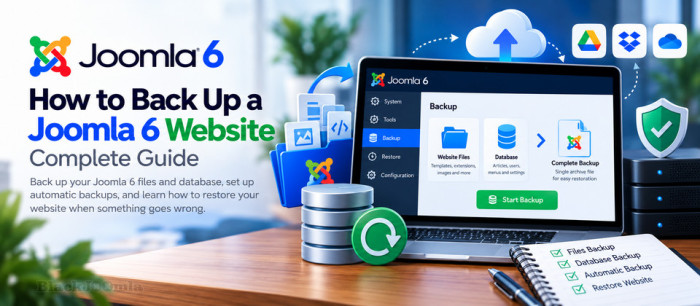
Creating regular backups is one of the most important maintenance tasks for any Joomla 6 website. A reliable backup allows you to recover your website after a failed update, accidental file deletion, database corruption, server failure, or other unexpected problems.
In this guide, you will learn how to back up a Joomla 6 website manually and automatically, protect your backup files, and restore your website when something goes wrong. We will cover both website files and the database, explain the available backup methods, and introduce Akeeba Backup as a dedicated Joomla backup solution.
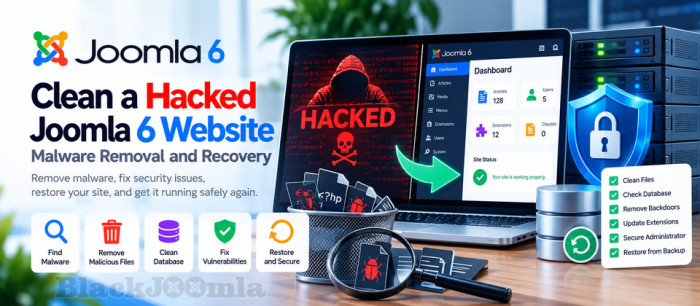
How to Clean a Hacked Joomla 6 Website: Malware Removal and Recovery
If your Joomla 6 website suddenly displays a defaced homepage, redirects visitors to suspicious websites, contains hundreds of unfamiliar files, or shows unexpected database changes, your website may have been compromised.
Cleaning a hacked Joomla website requires more than deleting suspicious files or restoring the homepage. You must identify the initial entry point, remove malicious code, check the database and administrator accounts, eliminate persistence mechanisms, and close the security gaps that allowed the attack.
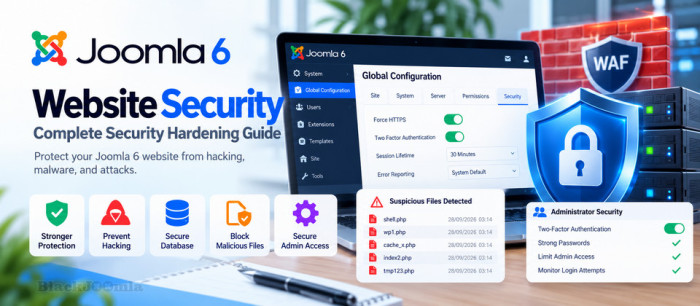
How to Secure a Joomla 6 Website: Complete Security Hardening Guide
Joomla 6 websites are constantly exposed to automated attacks, vulnerable extensions, stolen credentials, malicious uploads, and server-level threats.
A compromised Joomla website may show a defaced homepage, contain hundreds of unfamiliar files, have modified database content, create unauthorized administrator accounts, or redirect visitors to malicious websites.
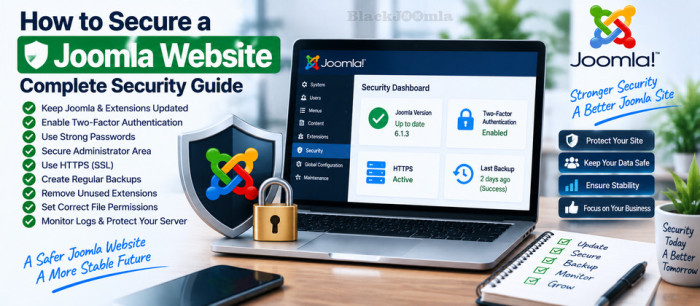
Keeping a Joomla website secure requires more than installing a security extension. A secure Joomla website combines regular updates, strong authentication, reliable backups, secure hosting, careful extension management, HTTPS, and ongoing monitoring.
In this guide, you will learn how to secure a Joomla website, protect the administrator area, manage extensions safely, configure authentication, create reliable backups, improve server security, and respond correctly if your website is compromised.
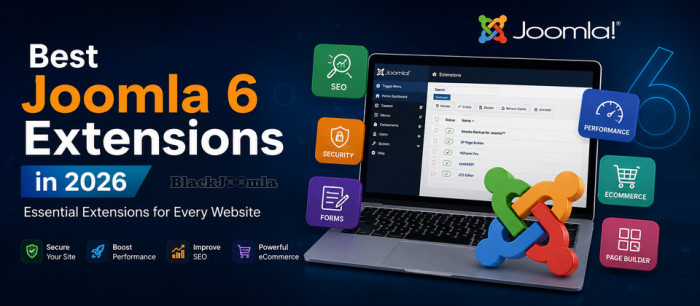
Discover the best Joomla 6 extensions for SEO, security, backups, forms, performance, ecommerce, page building and more. Find the right extensions for your Joomla websiteJoomla is a powerful content management system out of the box, but the right extensions can take your website much further.

A 500 Internal Server Error is a server-side error that means your Joomla website could not complete the requested operation.
Unlike errors such as 404 Not Found, a 500 error usually does not tell you exactly what went wrong. The underlying cause may be a PHP error, an incompatible extension, incorrect file permissions, a problem with .htaccess , insufficient server resources, or a server configuration issue.

You can update all of Kaspersky products without account and internet or buy origenal activation key by %30 discount

You can update ESET product without account and internet freely

Always ESET is one of the best antiviruses in the world in security websites compare list

Other site is stealing bandwidth and generating unnecessary traffic hits on your website consuming your hosting resources. Hotlink protection prevents this by blocking other websites from directly linking to files on your Joomla website.