Black Joomla
Free Joomla Template Joomla Extensions
Blog
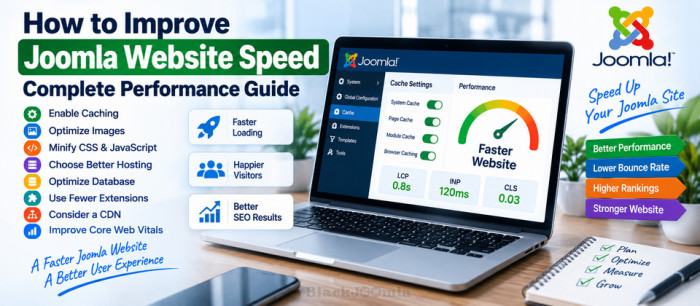
Website speed is an important part of maintaining a successful Joomla website. A slow website can make navigation frustrating for visitors, increase abandonment, and make it harder to provide a good experience on mobile devices.
Improving Joomla performance is not about enabling one magic setting. A fast website usually requires several improvements working together, including caching, image optimization, efficient extensions, good hosting, compression, and careful handling of CSS and JavaScript.
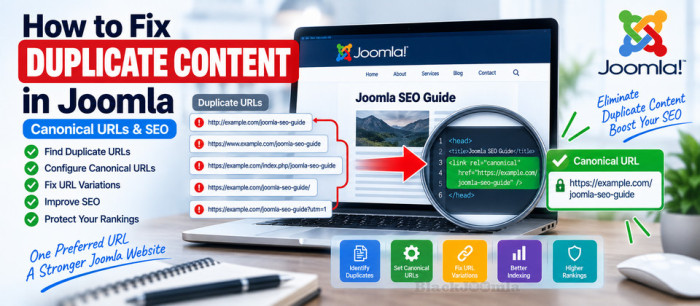
Duplicate content is a common technical SEO issue on Joomla websites, especially when the same article or page can be accessed through multiple URLs.
For example, Joomla can sometimes make the same content available through different menu structures, URL formats, domains, protocols, query parameters, or URL variations.
Google does not generally consider duplicate content on a website to be a spam violation. However, multiple URLs containing the same or very similar content can make it harder for search engines to determine which URL should represent the content in search results.
Tagged under
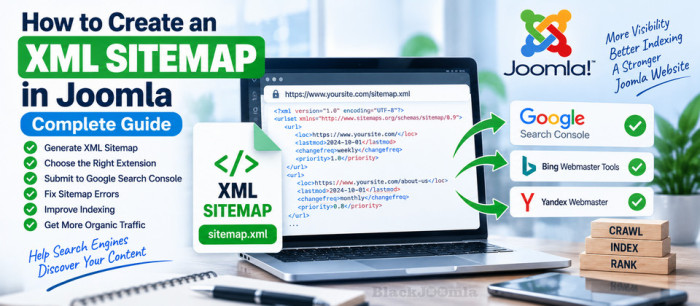
An XML sitemap is an important technical SEO tool for Joomla websites. It provides search engines with a structured list of URLs that are available for crawling and can help search engines discover pages that may not be easy to find through normal website navigation.
In this guide, you will learn what a Joomla XML sitemap is, how to create one, how to submit it to Google Search Console, how to check whether it is working correctly, and how to avoid common sitemap problems.

Changing URLs is sometimes unavoidable when you redesign a Joomla website, reorganize your content, change aliases, migrate a website, or remove outdated pages.
However, changing a URL without handling the old address can create broken links, 404 errors, and unnecessary SEO problems.
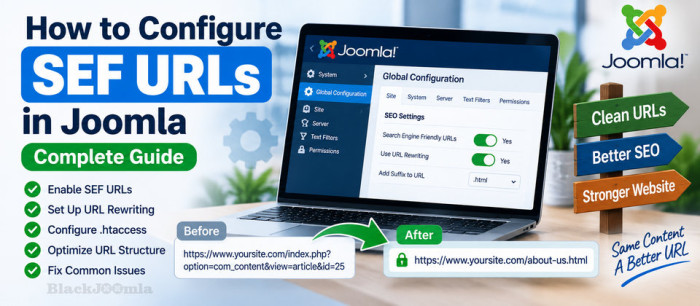
Search Engine Friendly (SEF) URLs are an important part of a well-structured Joomla website. Instead of displaying long URLs containing technical parameters, Joomla can generate cleaner URLs that are easier for visitors to understand and easier for search engines to interpret.
In this guide, you will learn how to configure SEF URLs in Joomla, enable URL rewriting, configure .htaccess, understand the main SEO settings, and troubleshoot common SEF URL problems.
Tagged under
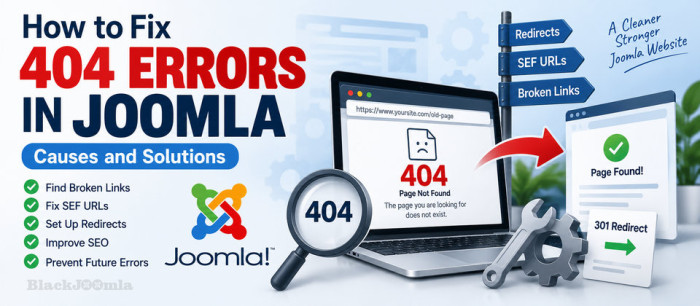
A 404 error is one of the most common problems you can encounter on a Joomla website. It usually means that a visitor or search engine requested a URL that Joomla could not find.
A few 404 errors are normal on any website. However, a large number of broken URLs can create a poor user experience, waste crawl resources, and make website maintenance more difficult.
In this guide, we will explain what causes 404 errors in Joomla, how to find broken URLs, how to fix them correctly, and how to prevent the same problem from happening again.
Tagged under

Search engine optimization is essential if you want your Joomla website to attract organic traffic from Google and other search engines. Joomla provides a solid foundation for SEO, but specialized extensions can give you much more control over technical SEO, content optimization, structured data, URLs, sitemaps, indexing, and website performance.
The challenge is that not every Joomla website needs the same SEO tools. Some websites need better content optimization, while others need advanced SEF URLs, Schema markup, canonical URL management, redirects, or faster page loading.
In this guide, we look at 10 Joomla SEO extensions worth considering in 2026 and explain what each one is best suited for.
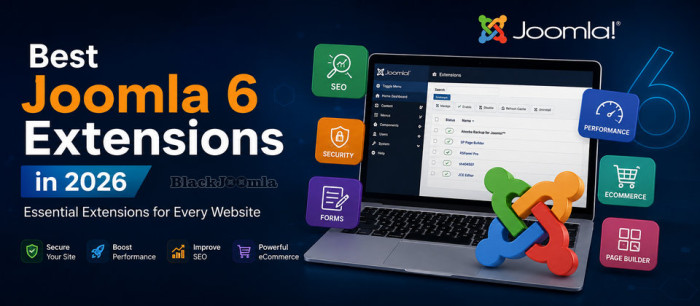
Discover the best Joomla 6 extensions for SEO, security, backups, forms, performance, ecommerce, page building and more. Find the right extensions for your Joomla websiteJoomla is a powerful content management system out of the box, but the right extensions can take your website much further.
Tagged under
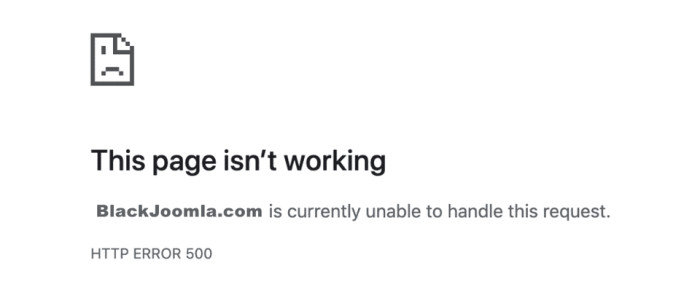
A 500 Internal Server Error is a server-side error that means your Joomla website could not complete the requested operation.
Unlike errors such as 404 Not Found, a 500 error usually does not tell you exactly what went wrong. The underlying cause may be a PHP error, an incompatible extension, incorrect file permissions, a problem with .htaccess , insufficient server resources, or a server configuration issue.
Tagged under

Tagged under
More...

It will show you everything you need to prepare and check before upgrading as well as clear steps to migrate Joomla 3 to Joomla4. So, let’s get started now!

Recently, Joom Shaper provides you with only one file (oneclick installer) to download instead of several different template files
How to Install JoomShaper Demo Content by oneclick installer?
Tagged under

We will learn how to use Akeeba Backup Pro to upload our Joomla site backups to Google Drive automatically.
Tagged under

Other site is stealing bandwidth and generating unnecessary traffic hits on your website consuming your hosting resources. Hotlink protection prevents this by blocking other websites from directly linking to files on your Joomla website.